Introduction
Your website's speed isn't just a technical metric—it directly impacts your bottom line. Google's Core Web Vitals have become a critical ranking factor, and businesses that ignore them risk losing both search visibility and customers.
Studies show that a 1-second delay in page load time can reduce conversions by 7%. For an e-commerce site making $100,000 per day, that's potentially $2.5 million in lost sales annually. The stakes are real, and the solution is within reach—as we've demonstrated with projects like Must Love Futbol, where we achieved 90+ Lighthouse scores with real-time WebSocket updates.
In this guide, we'll break down what Core Web Vitals actually measure, why they matter for your business, and actionable strategies to achieve 90+ Lighthouse scores.
What Are Core Web Vitals?
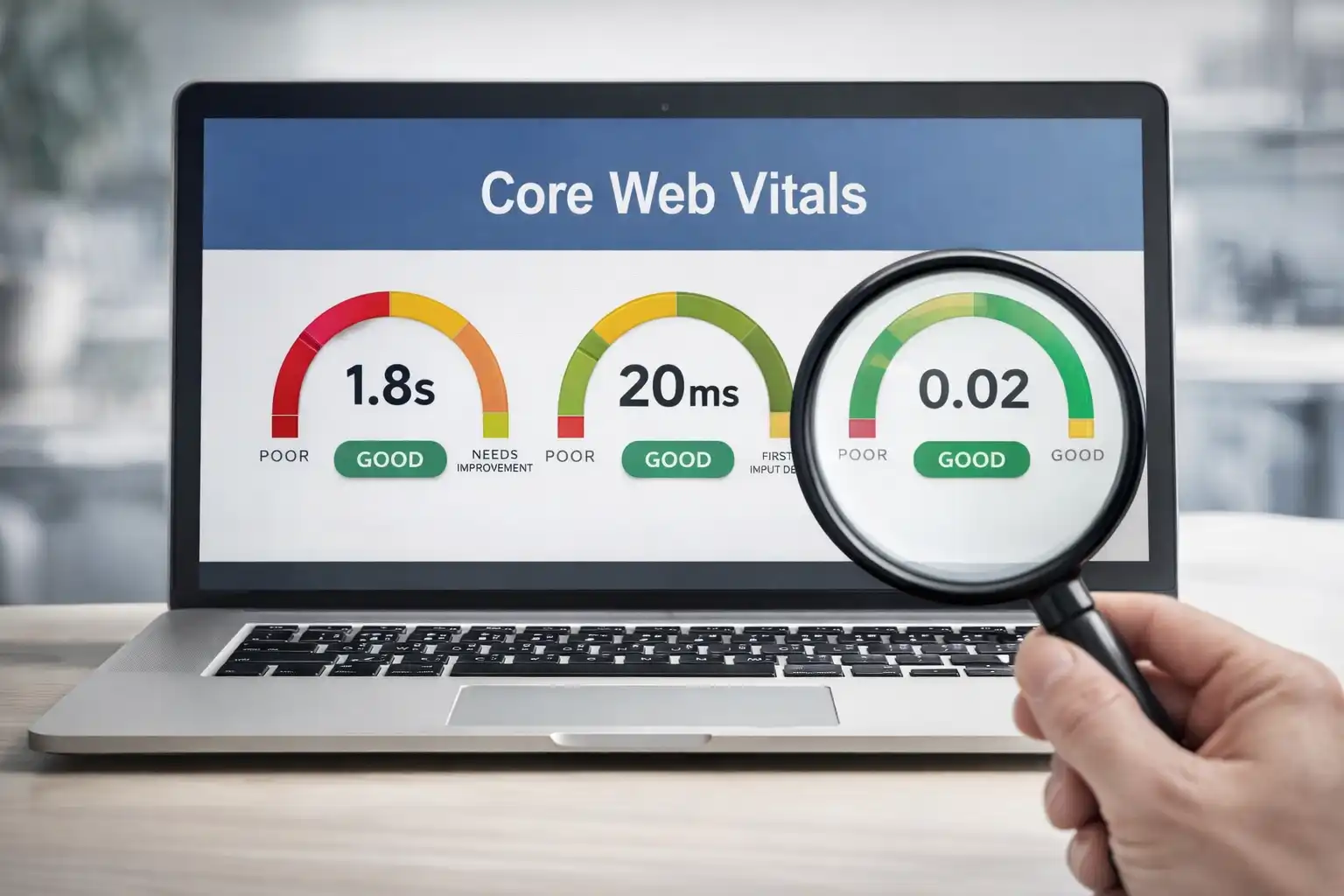
Core Web Vitals are a set of specific factors that Google considers important for a webpage's overall user experience. They measure three key aspects:
Largest Contentful Paint (LCP)
LCP measures loading performance—specifically, how long it takes for the largest content element (usually an image or text block) to become visible.
Target: Under 2.5 seconds
Why it matters: Users perceive your site as "loaded" when they see the main content. A slow LCP creates the impression of a sluggish, unreliable website.
Cumulative Layout Shift (CLS)
CLS measures visual stability—how much the page content shifts unexpectedly while loading.
Target: Under 0.1
Why it matters: Nothing frustrates users more than clicking a button only to have the page shift and accidentally clicking an ad. High CLS destroys trust and increases bounce rates.
Interaction to Next Paint (INP)
INP measures responsiveness—how quickly your site responds to user interactions like clicks, taps, and key presses.
Target: Under 200 milliseconds
Why it matters: Sluggish interactions make your site feel broken. Users expect instant feedback when they click buttons or fill out forms.
The Business Impact of Poor Performance
SEO Rankings
Google officially uses Core Web Vitals as a ranking factor. Sites that fail these metrics can see their search positions drop, losing organic traffic to faster competitors.
Conversion Rates
Performance directly correlates with conversions:
- Pinterest reduced perceived wait times by 40% and increased search engine traffic and sign-ups by 15%
- BBC found they lost an additional 10% of users for every additional second their site took to load
- Vodafone improved LCP by 31% and saw a 8% increase in sales
User Trust
A fast, stable website signals professionalism and reliability. When your site loads instantly and responds smoothly, users trust your brand more—and trust drives purchases.
Common Performance Killers
Before optimizing, identify what's slowing you down:
Unoptimized Images
Images are often the largest elements on a page and the primary cause of slow LCP. Common issues include:
- Using PNG or JPEG instead of modern formats like WebP or AVIF
- Serving desktop-sized images to mobile devices
- Loading all images upfront instead of lazy loading
Render-Blocking Resources
CSS and JavaScript files that block rendering prevent the browser from displaying content until they're fully downloaded and processed.
Third-Party Scripts
Analytics, chat widgets, social media embeds, and advertising scripts can significantly impact performance. Each additional script increases load time and potential layout shifts.
Inefficient Code
Bloated frameworks, unused CSS, and unminified JavaScript add unnecessary weight to your pages.
Poor Hosting
Shared hosting with slow server response times creates a performance ceiling that no amount of optimization can overcome.
Strategies for 90+ Lighthouse Scores
Image Optimization
Use modern formats: Convert images to WebP (90% browser support) for 25-35% smaller file sizes compared to JPEG.
Implement responsive images: Use srcset and sizes attributes to serve appropriately sized images for each device.
Lazy load below-the-fold images: Only load images as users scroll to them, reducing initial page weight.
Reserve space for images: Always specify width and height attributes to prevent layout shifts.
<img
  src="hero.webp"
  width="1200"
  height="600"
  loading="lazy"
  alt="Description"
>
Optimize Loading Performance
Preconnect to critical origins: Establish early connections to domains serving fonts, analytics, or CDN resources.
<link rel="preconnect" href="https://fonts.googleapis.com">
<link rel="dns-prefetch" href="https://analytics.example.com">
Inline critical CSS: Include the CSS needed for above-the-fold content directly in your HTML to eliminate render-blocking.
Defer non-critical JavaScript: Use defer or async attributes for scripts that don't need to run immediately.
Eliminate Layout Shifts
Set explicit dimensions: Always define width and height for images, videos, and embeds.
Reserve space for dynamic content: If ads or other dynamic elements load after the initial render, reserve their space with CSS.
Use CSS transforms for animations: Animating transform and opacity instead of width, height, or margin prevents layout recalculations.
Improve Server Response Time
Use a CDN: Content Delivery Networks serve your assets from servers geographically closer to users.
Implement caching: Proper cache headers reduce server load and speed up repeat visits.
Optimize your backend: Database queries, API calls, and server-side rendering all impact Time to First Byte (TTFB).
Framework Considerations
Modern frameworks like Nuxt, Next.js, and Astro are built with performance in mind. They offer:
- Automatic code splitting
- Server-side rendering
- Built-in image optimization
- Static site generation where appropriate
Choosing the right framework from the start can save months of optimization work later. Our web development team specializes in building high-performance applications using these modern frameworks—see how we built PlateMate with Nuxt 3 for exceptional Core Web Vitals.
Measuring and Monitoring
Tools for Testing
Google PageSpeed Insights: The official tool for measuring Core Web Vitals with real-world data from the Chrome User Experience Report.
Lighthouse: Available in Chrome DevTools for lab-based testing during development.
WebPageTest: Advanced testing with filmstrip views and waterfall charts for deep analysis.
Continuous Monitoring
Performance isn't a one-time fix. Third-party scripts change, content grows, and new features can introduce regressions. Set up monitoring to catch issues before they impact users:
- Real User Monitoring (RUM) captures actual user experiences
- Synthetic monitoring runs automated tests on a schedule
- Performance budgets alert you when pages exceed defined thresholds
When to Call in Experts
Performance optimization requires deep technical knowledge across multiple domains—image processing, browser rendering, network protocols, and framework internals. While quick wins are achievable, achieving and maintaining 90+ Lighthouse scores often requires specialized expertise.
Consider working with a development partner if:
- Your current scores are below 50
- You've tried basic optimizations without significant improvement
- Performance issues are impacting your business metrics
- You're planning a redesign or platform migration
The investment in professional optimization typically pays for itself through improved conversions and reduced infrastructure costs. Learn more about how to choose the right web development agency for your project.
Conclusion
Core Web Vitals aren't just technical benchmarks—they're business metrics that directly impact your revenue, rankings, and reputation. The companies that prioritize performance gain a competitive advantage that compounds over time.
Start by measuring your current performance, identify the biggest opportunities, and systematically address each issue. Whether you tackle it internally or partner with specialists, the path to 90+ Lighthouse scores is clear: optimize images, eliminate render-blocking resources, prevent layout shifts, and choose the right technical foundation.
Your users—and your business—will thank you.
Need help optimizing your website's performance? Get in touch for a free performance audit, or explore our web development services to see how we can help.